
Practise real computer skills, step by step.
KEYBAKI Labs is a hands-on digital skills lab for the whole school community. Learners practise computer basics, typing, documents, the internet and staying safe online, at their own pace, with Tcha guiding every step.
Every activity, three steps.
- 01
Show me
Tcha does it while you watch.
- 02
Guide me
You do it, one step at a time.
- 03
Let me try
You do it on your own.
From the first click to spotting a scam.
- Computer FoundationsThe parts of a computer, switching on, clicking, scrolling and keys.See the activities
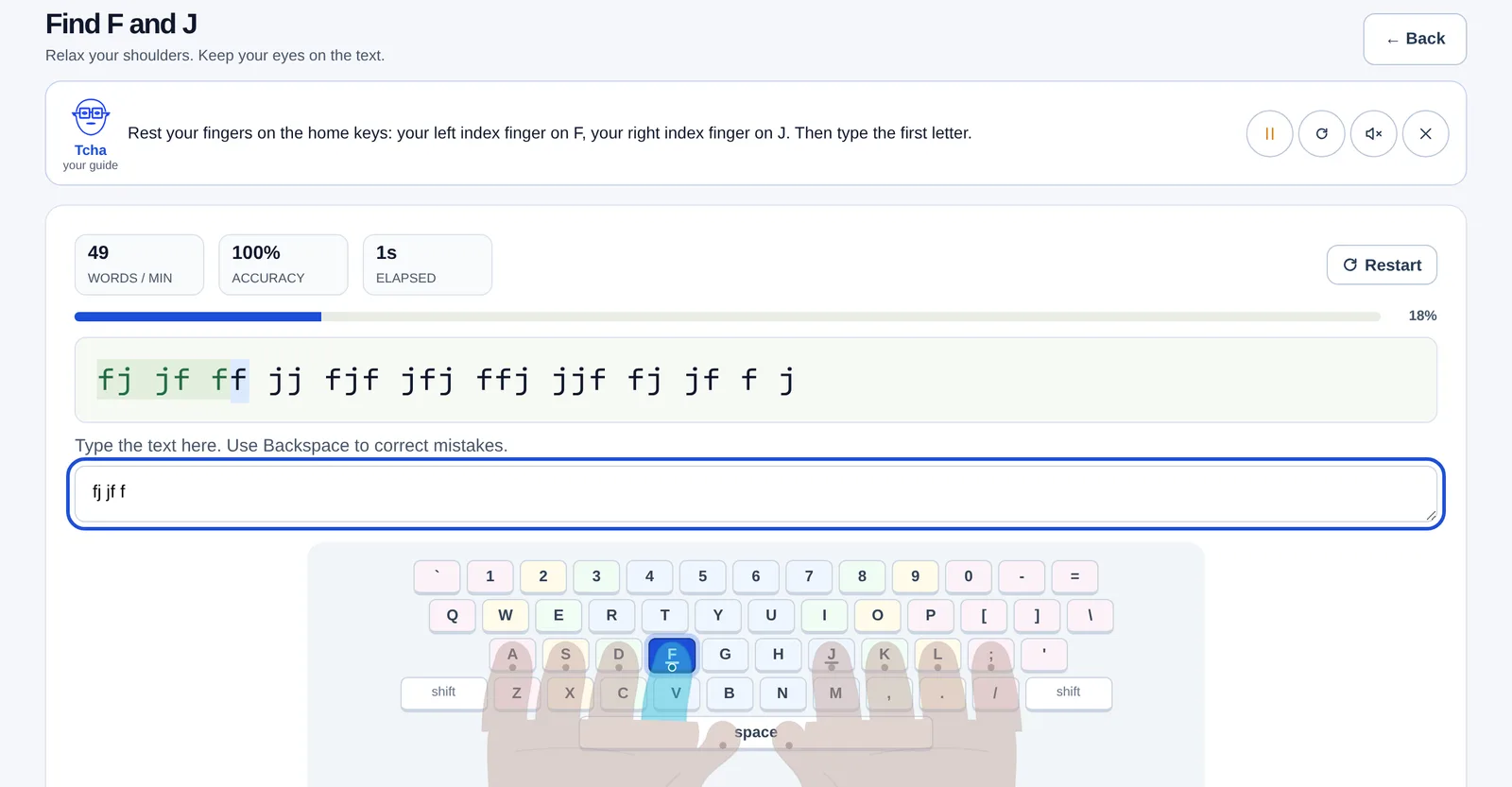
- Typing StudioFind your level, then build accuracy and speed with lessons, tests and games.See the activities
- Desktop, Files & EditingManage windows, organise files and folders, and edit text.See the activities
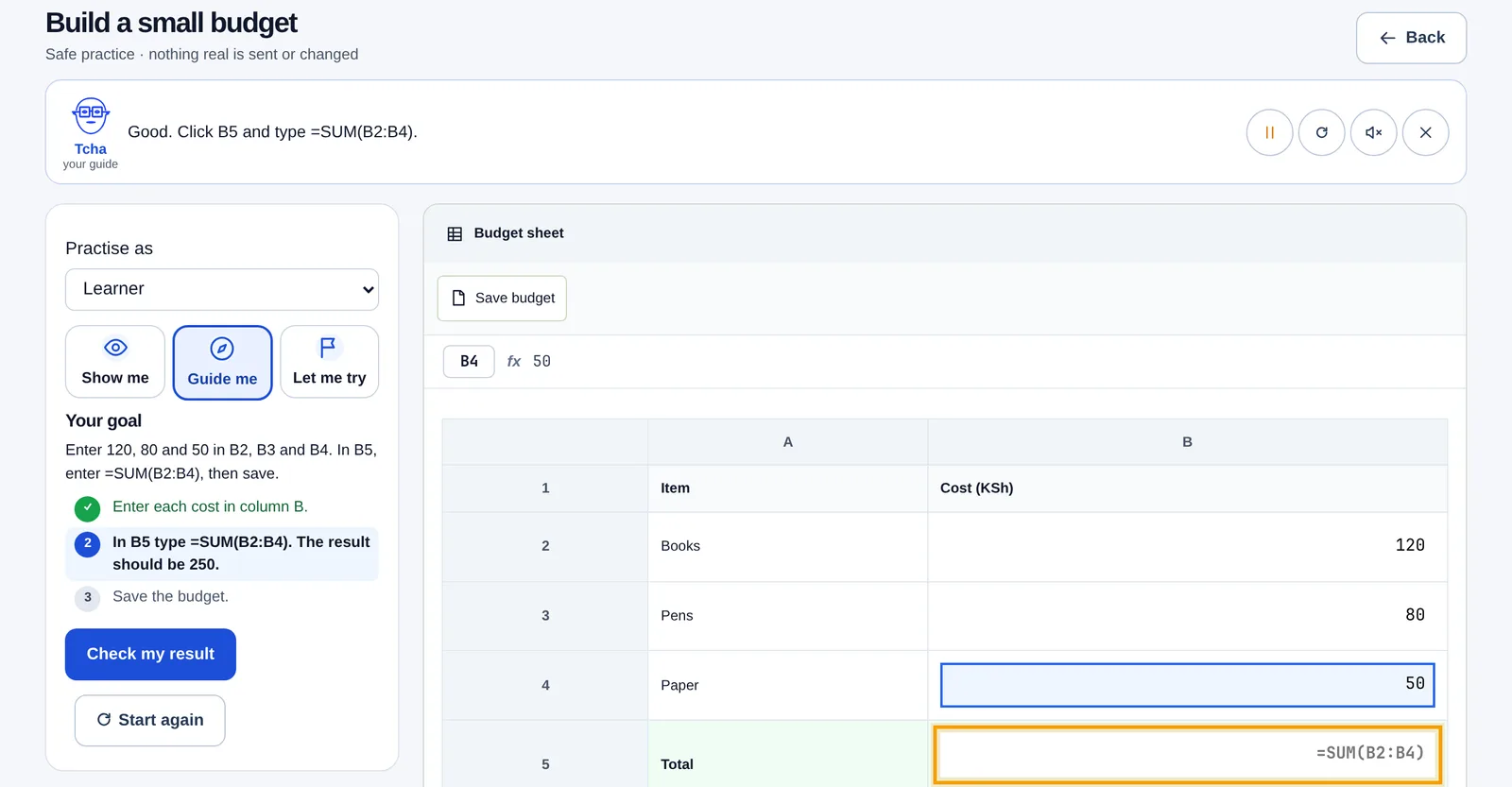
- Documents, Sheets & SlidesCreate a document, a small budget and a short presentation.See the activities
- Internet & CommunicationSearch thoughtfully, browse safely and write clear emails.See the activities
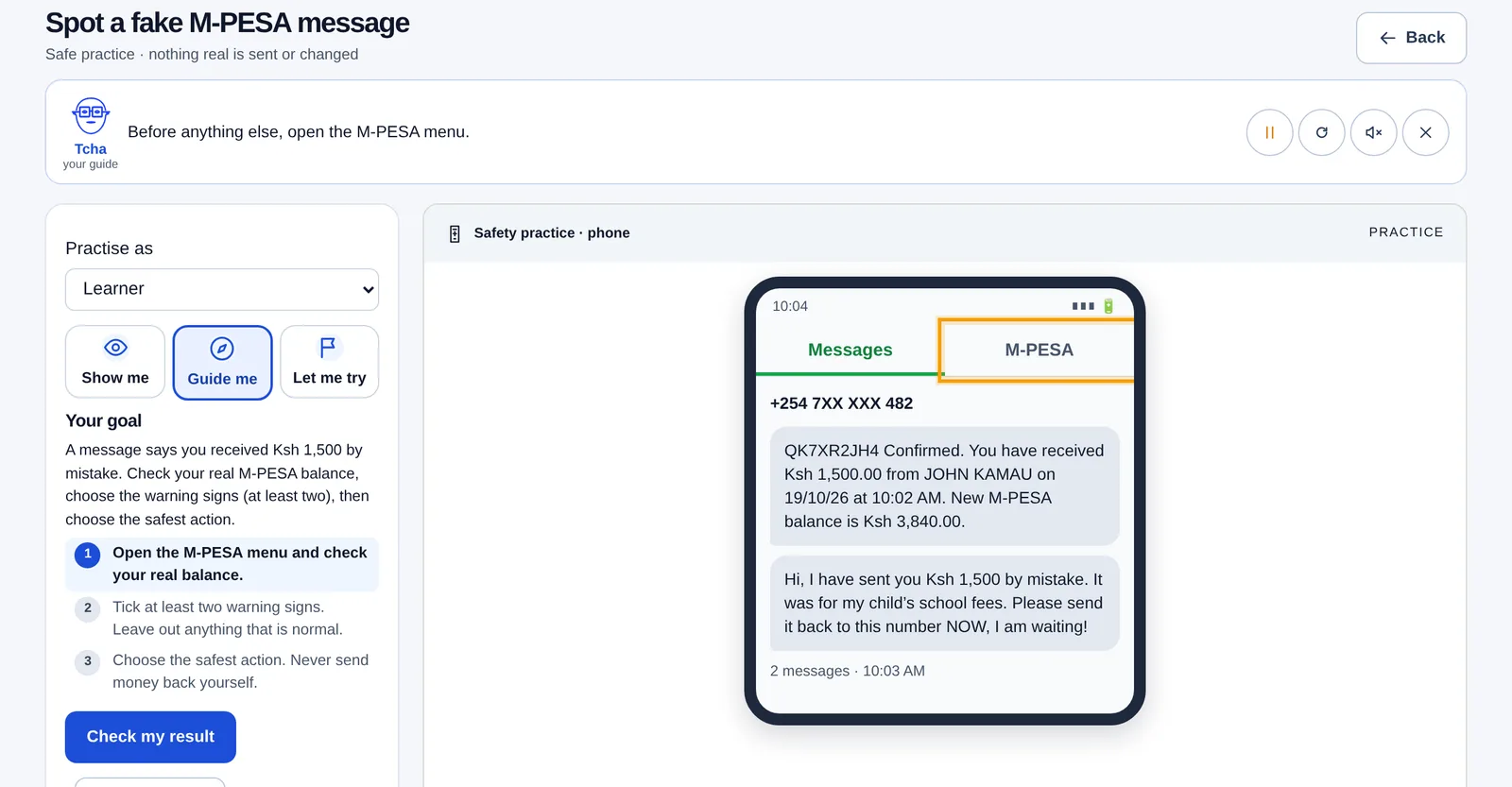
- Digital Safety & Responsible AISpot scams like a fake M-PESA message, lock your accounts and check what AI tells you.See the activities

A guide beside you all the way.
Tcha explains every step out loud
and points to what to do next. Captions are there when the sound is off.
Safe practice
Everything happens in a practice space: nothing real is sent, changed or bought, so mistakes are safe.
Skill checks with no marks or rankings
Show what you can do in seven everyday digital skills, scenario by scenario.
Progress saved to your KEYBAKI account
Sign in with the same account you use for KEYBAKI, and your progress is there on any computer.
Included in the KEYBAKI family pass.
There is nothing extra to buy for Labs. Sign in with your KEYBAKI account, the same one you use for the app.
Students
Start with the 7-day KEYBAKI trial. After that, Labs comes with the family pass: one token (KES 10) per child per day, the same tokens that open the Premium subjects. If the wallet runs out, progress is kept and the learner can ask a parent to top up from Labs.
Teachers
Included with your KEYBAKI teacher account, to practise and to see what your learners will use.
Parents
Included while at least one of your children has KEYBAKI access, just like the rest of the app.
Best on a computer with a keyboard and a mouse or touchpad. On a phone you can watch any activity and practise the basics, internet and safety ones. Labs needs an internet connection.
Bringing Labs to your school? Posters, flyers and social images for your school